


STEP 01
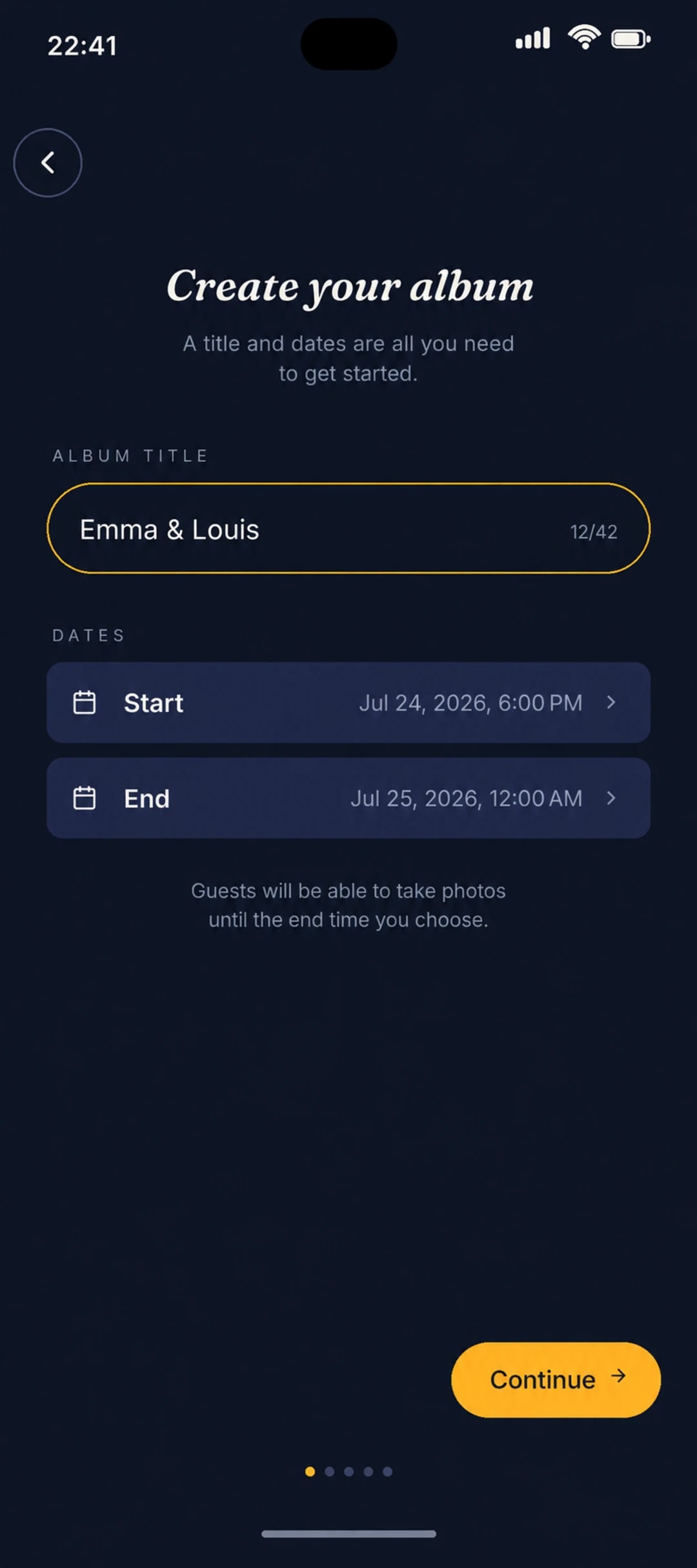
Create your album
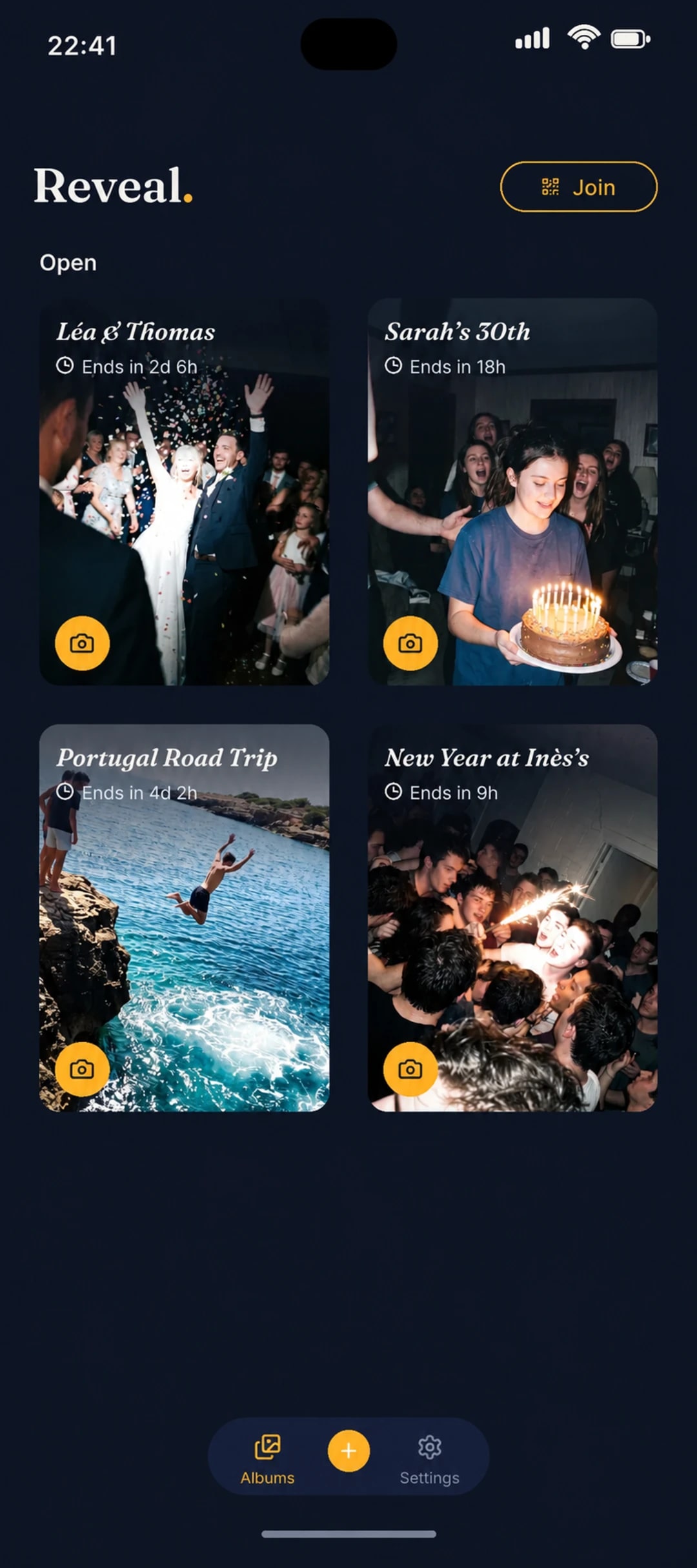
Give it a title, choose how many photos each guest can take and set the reveal time.
The shared camera for your events
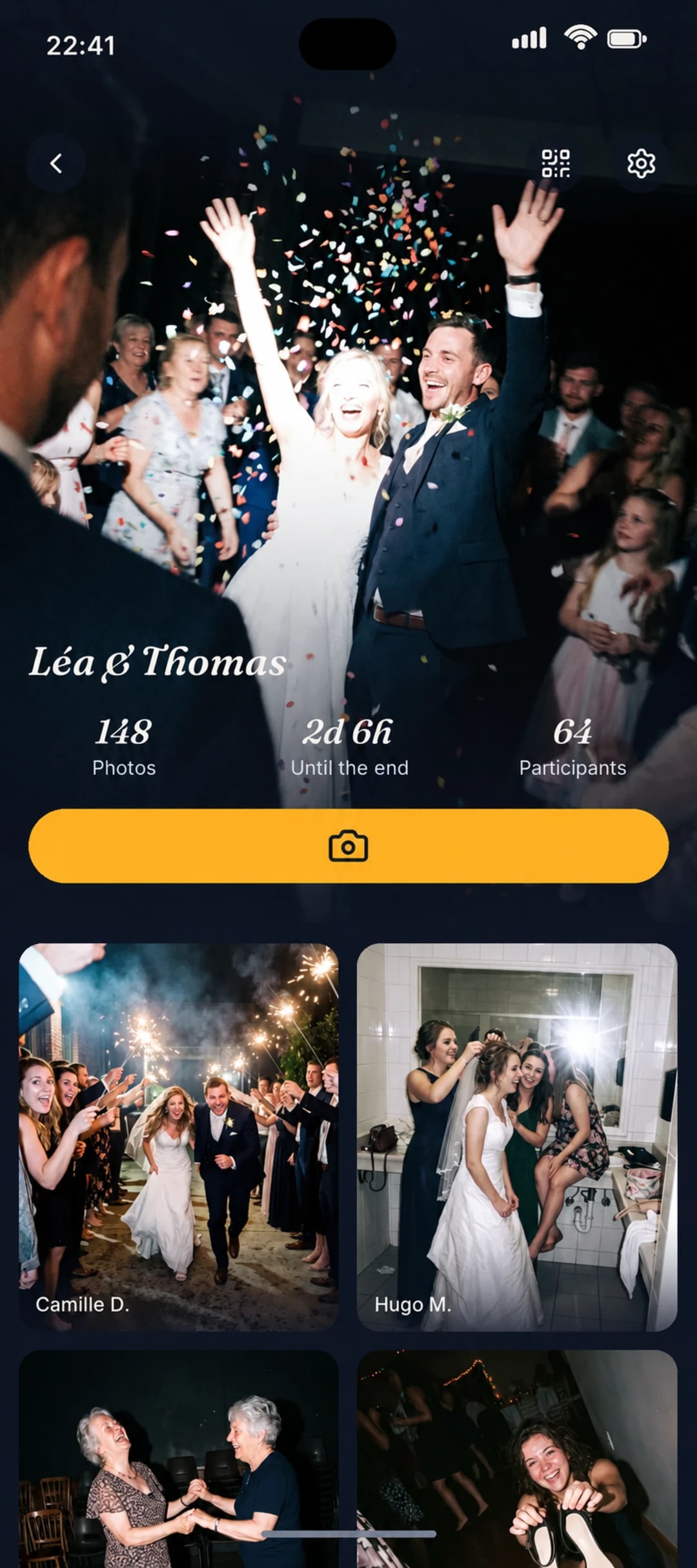
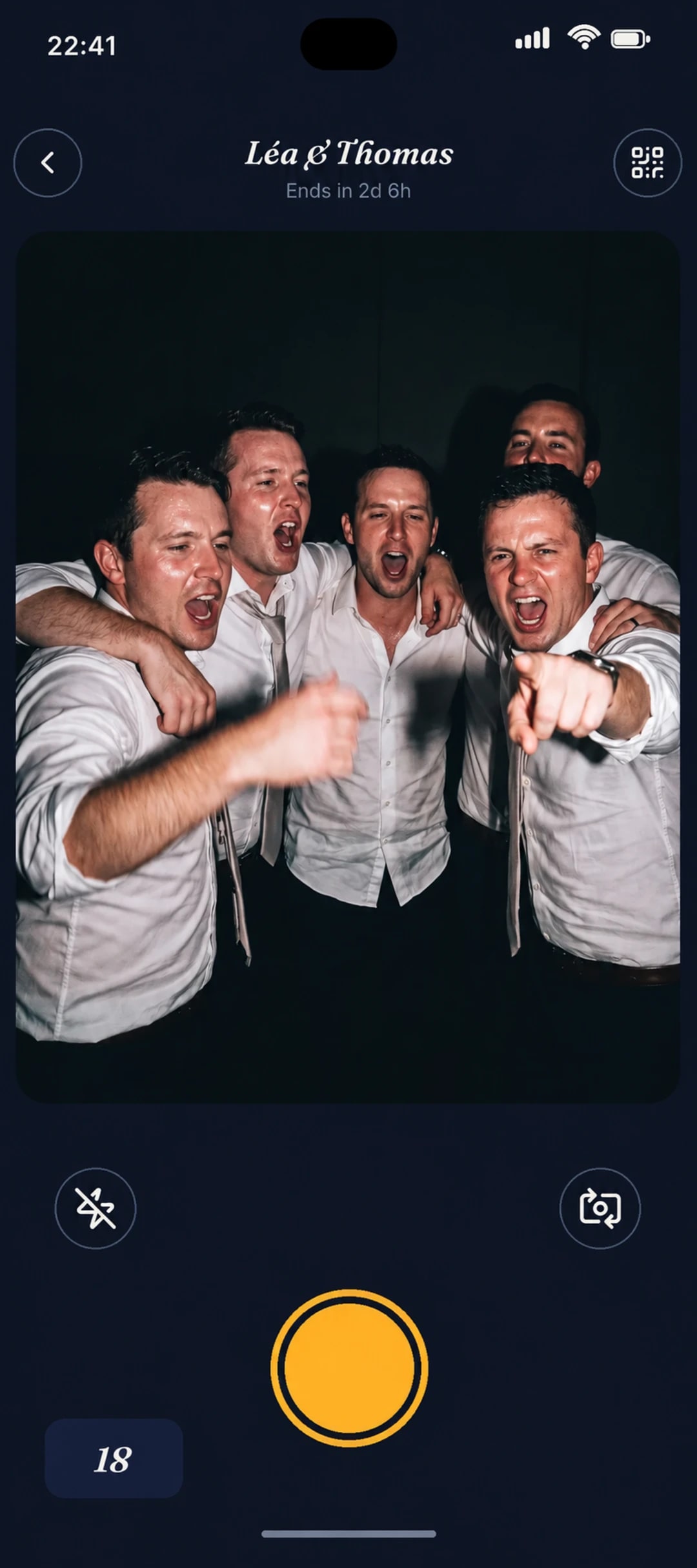
Reveal is the easiest way to collect your guests’ photos. They install the app, scan your QR code and join your event’s shared camera. No account to create, and all the photos are revealed at once.








STEP 01
Give it a title, choose how many photos each guest can take and set the reveal time.
STEP 02
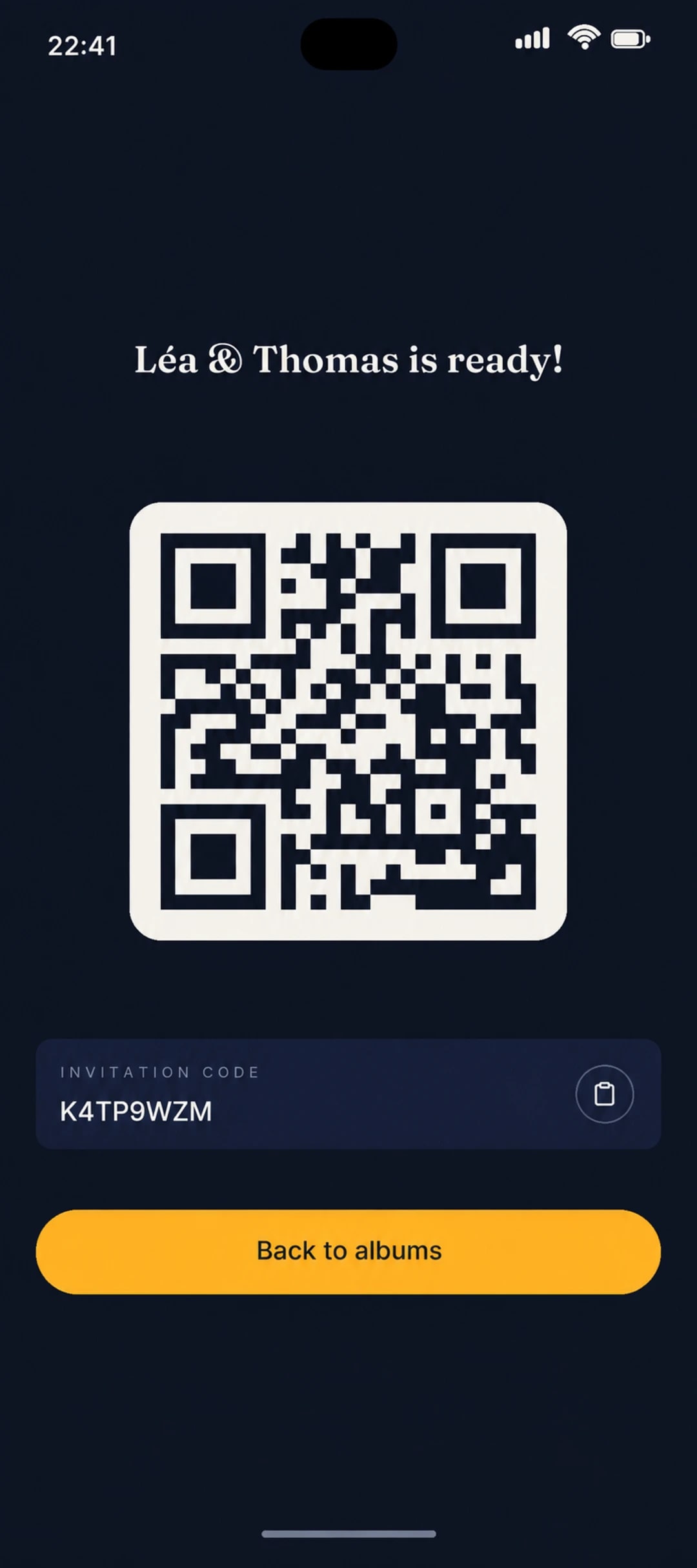
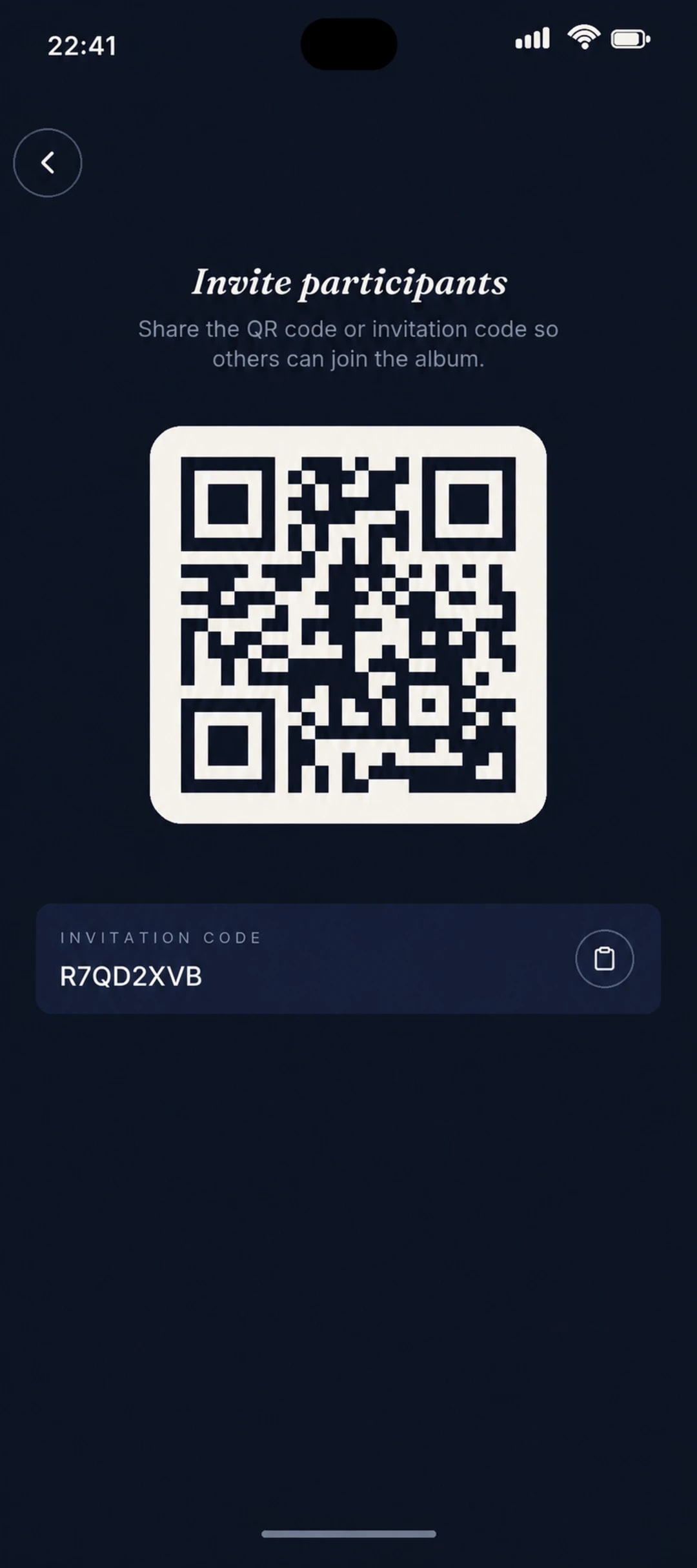
Display the QR code or send the link. Your guests install Reveal and join your album with just their first name.
STEP 03
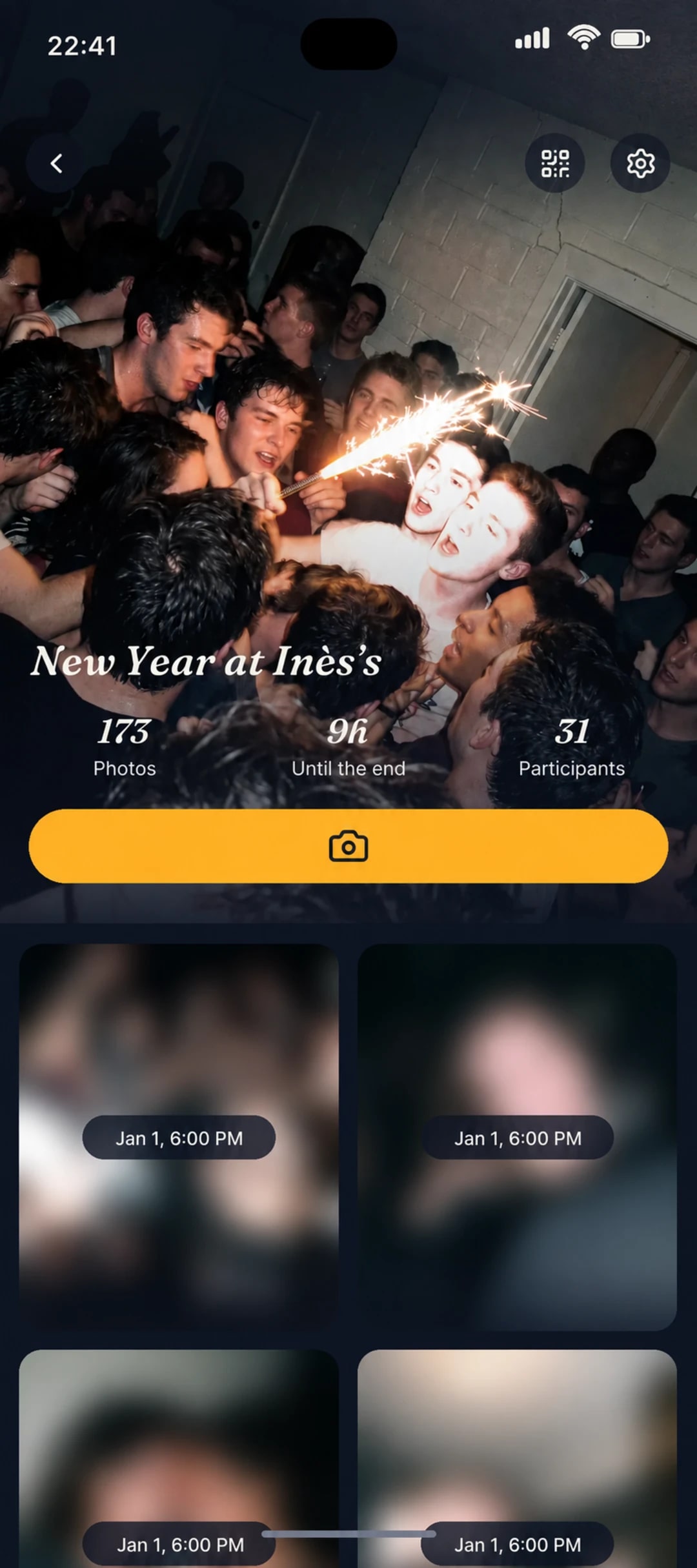
At the chosen time, all the photos develop. Relive the party through everyone’s eyes.
The Reveal moment
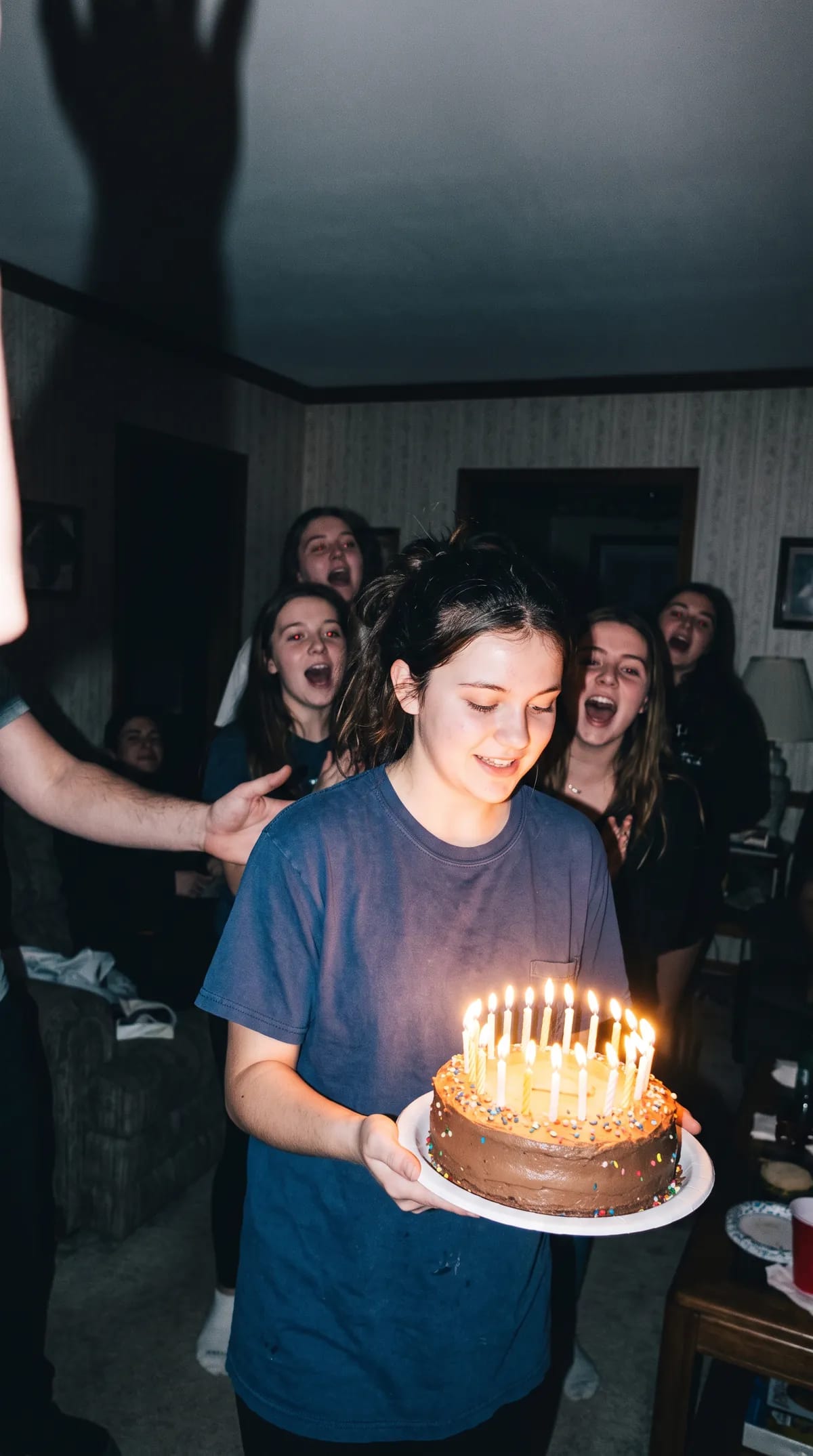
During the event, the photos stay hidden. At the time you choose, the whole gallery develops at once, like prints emerging from the darkroom. It’s the moment everyone’s been waiting for.
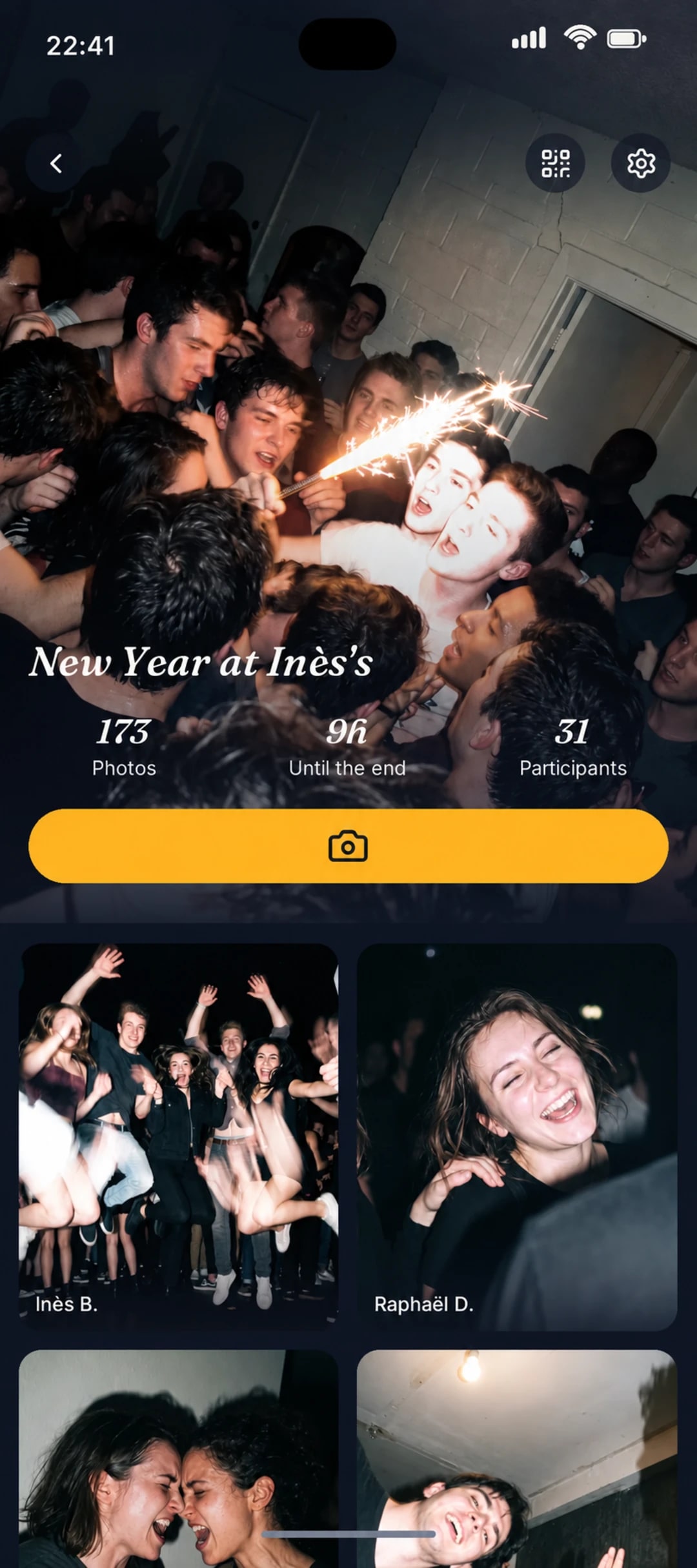
For the host
Choose how many photos each guest can take, when they’re revealed and who can see the gallery.
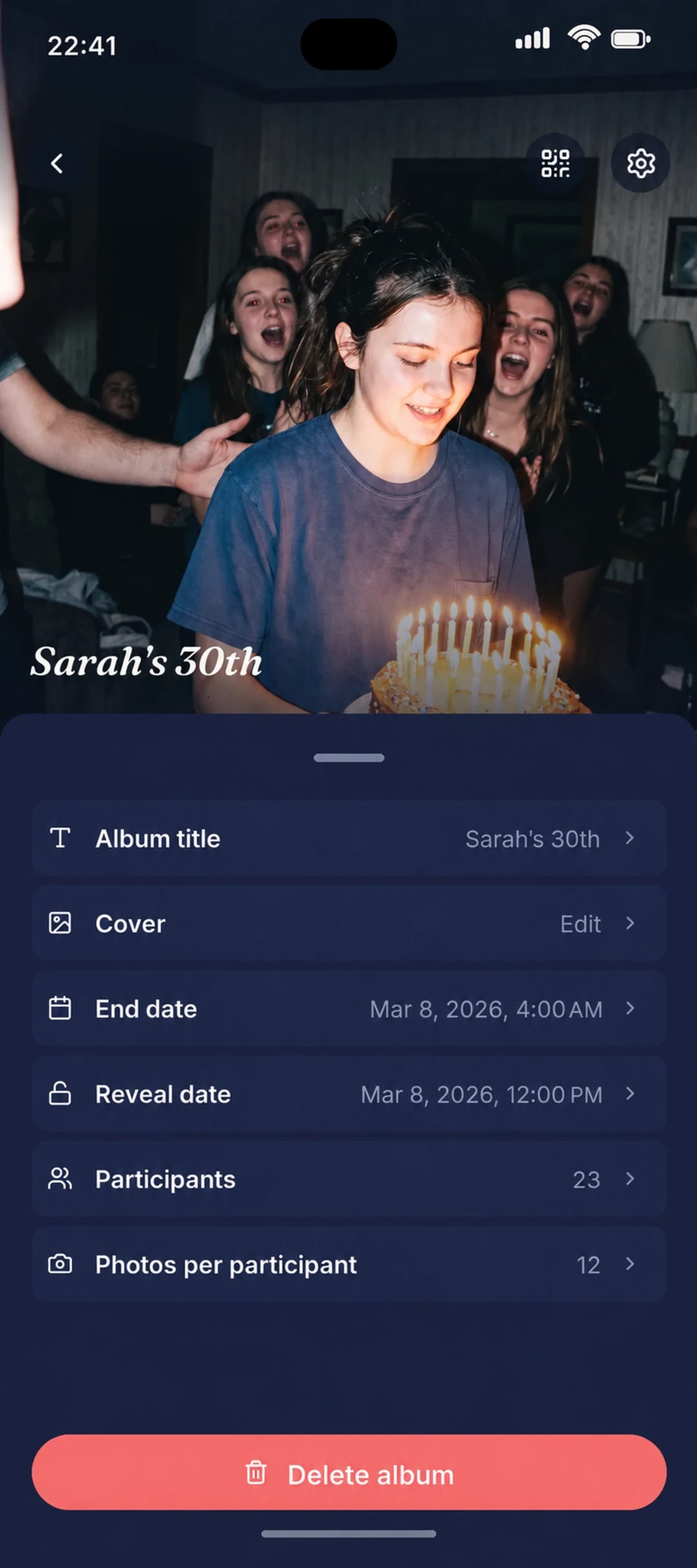
For guests
They open your link or scan the QR code. If Reveal isn’t installed yet, they install it, then reopen the link or scan the QR code again. All they need to do next is enter their first name to join your album, with no account to create.
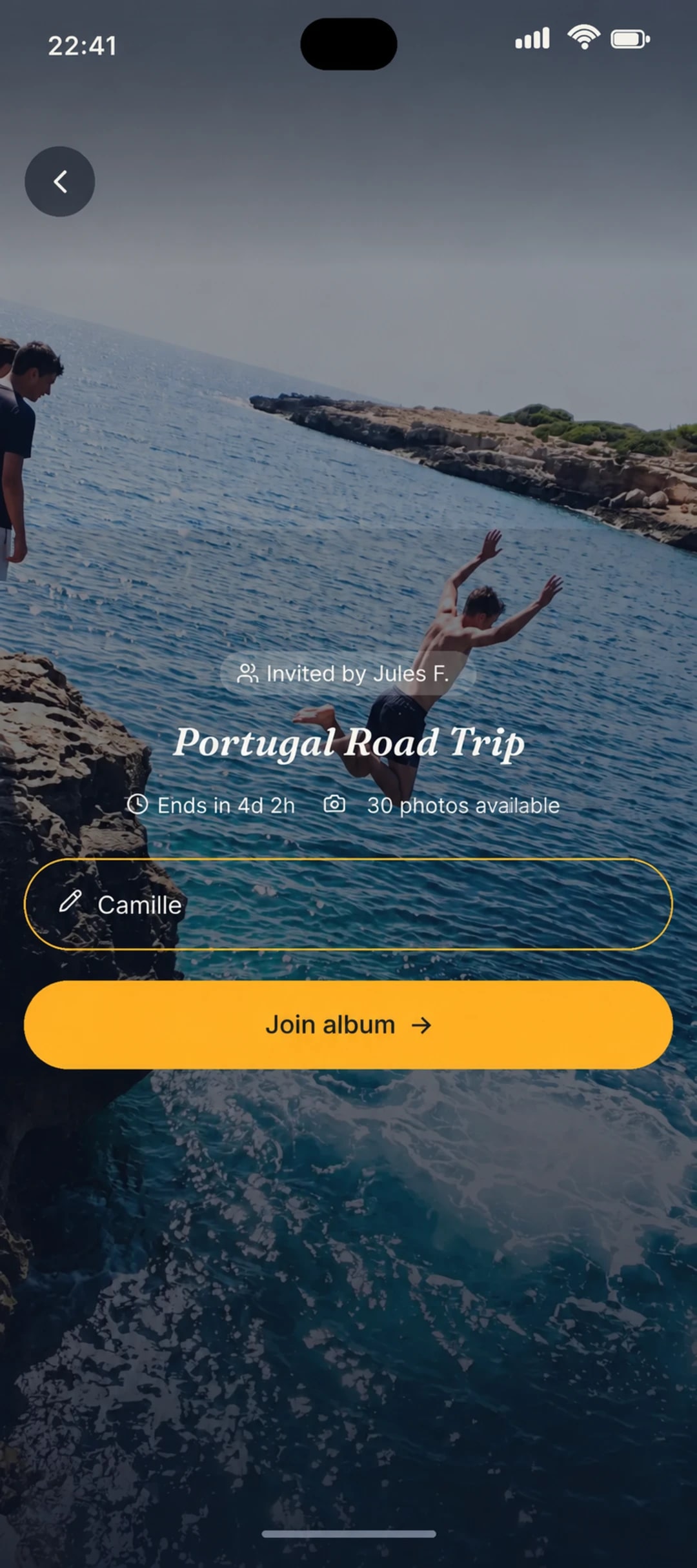
Every album has its own QR code. Display it at the venue so your guests can quickly join the event.
Answers to the questions we hear most often.
They open your link or scan the QR code. If needed, they install Reveal on iPhone or Android, then reopen the link or scan the QR code again. They then enter their first name to join the album, with no account to create.
Download Reveal on iPhone or Android and create your album.