
Every group takes part
Family and friends photograph the celebration from where they are, adding to the same album.
Birthday photos
Create an album everyone can contribute to. Your guests install Reveal, scan the party’s QR code and capture the candles, the surprises and the spontaneous moments.




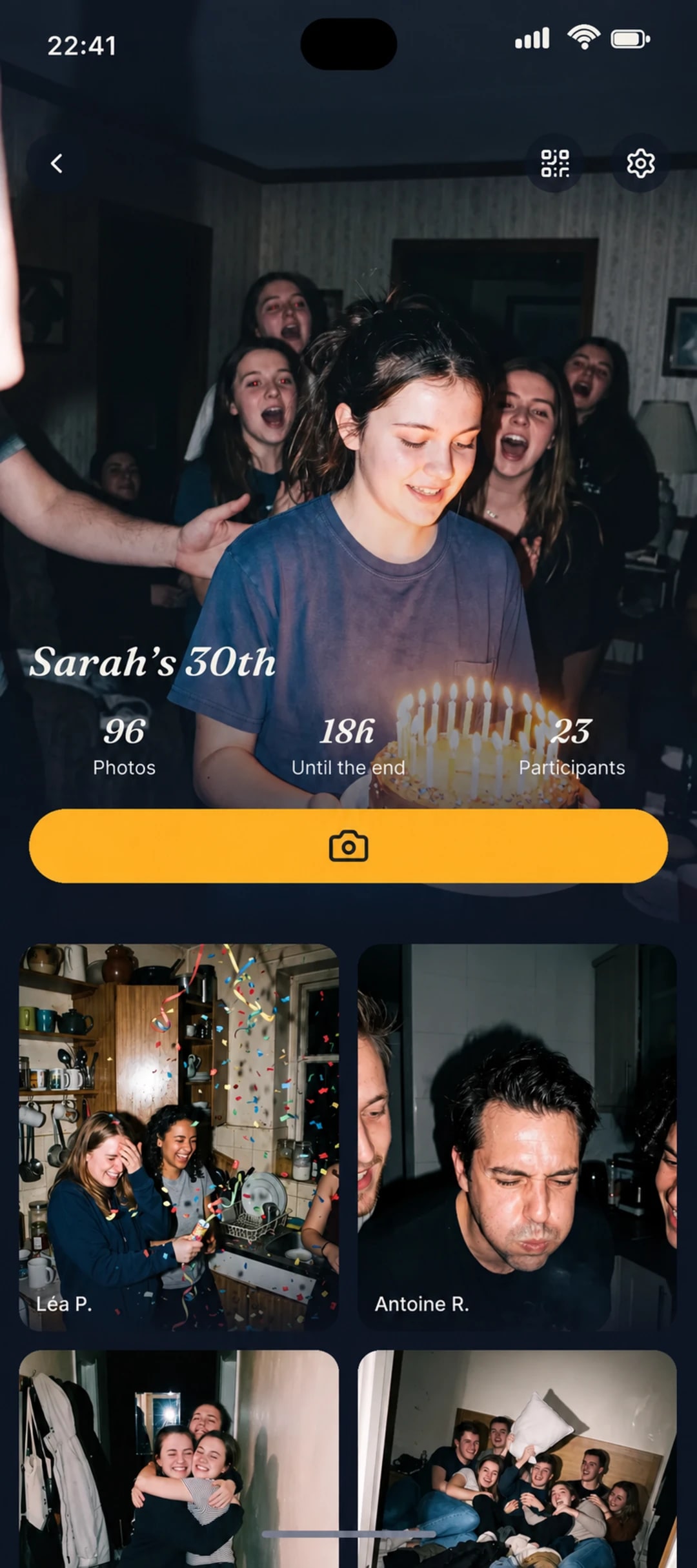
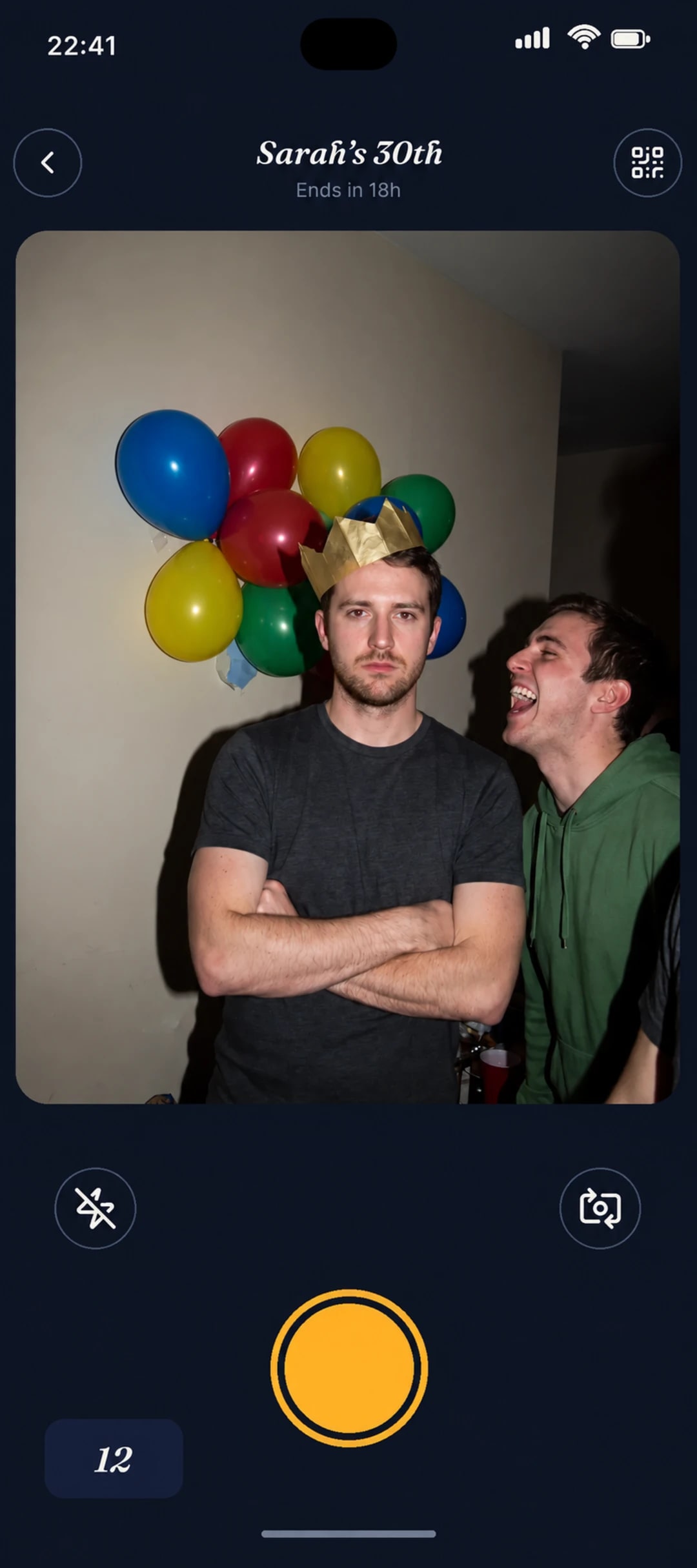


Instead of chasing down photos after the birthday, everyone takes them directly with the same shared camera.
Family and friends photograph the celebration from where they are, adding to the same album.
Schedule when the photos appear and discover them with your guests.
After installing the app, they join the album with the QR code and their first name.
01
Choose its title, how many photos each guest can take and the reveal time.
02
Your guests scan the QR code. If they need to install Reveal, they scan it again afterward to join the birthday album.
03
Photos stay hidden during the party and are all revealed at the time you scheduled.
Set how many photos each guest can take and choose the reveal time.
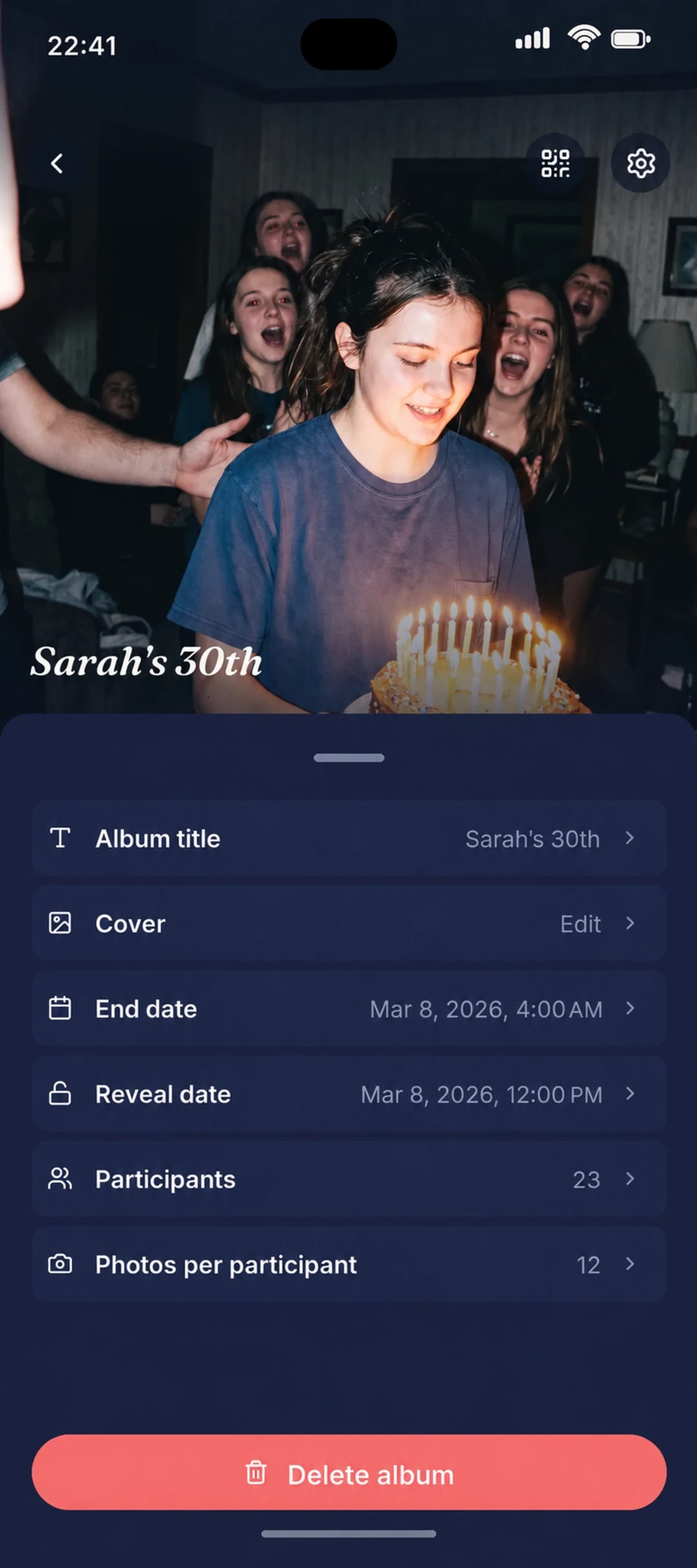
Everything you need to know before inviting your loved ones.
They scan the QR code or open your link. If needed, they install Reveal, then scan the QR code again or reopen the link. They then enter their first name to join the album.
Download Reveal on iPhone or Android and prepare your birthday album.